AI reconciliation agent for accounting firms
Close Stripe & Shopify in QuickBooks Online in minutes, not days
LedgerBot reads your Stripe, Shopify, and QuickBooks Online data, surfaces every mismatch and exception, and prepares clean audit-ready entries for your approval. Nothing posts without your sign-off.
Works with
Sound familiar?
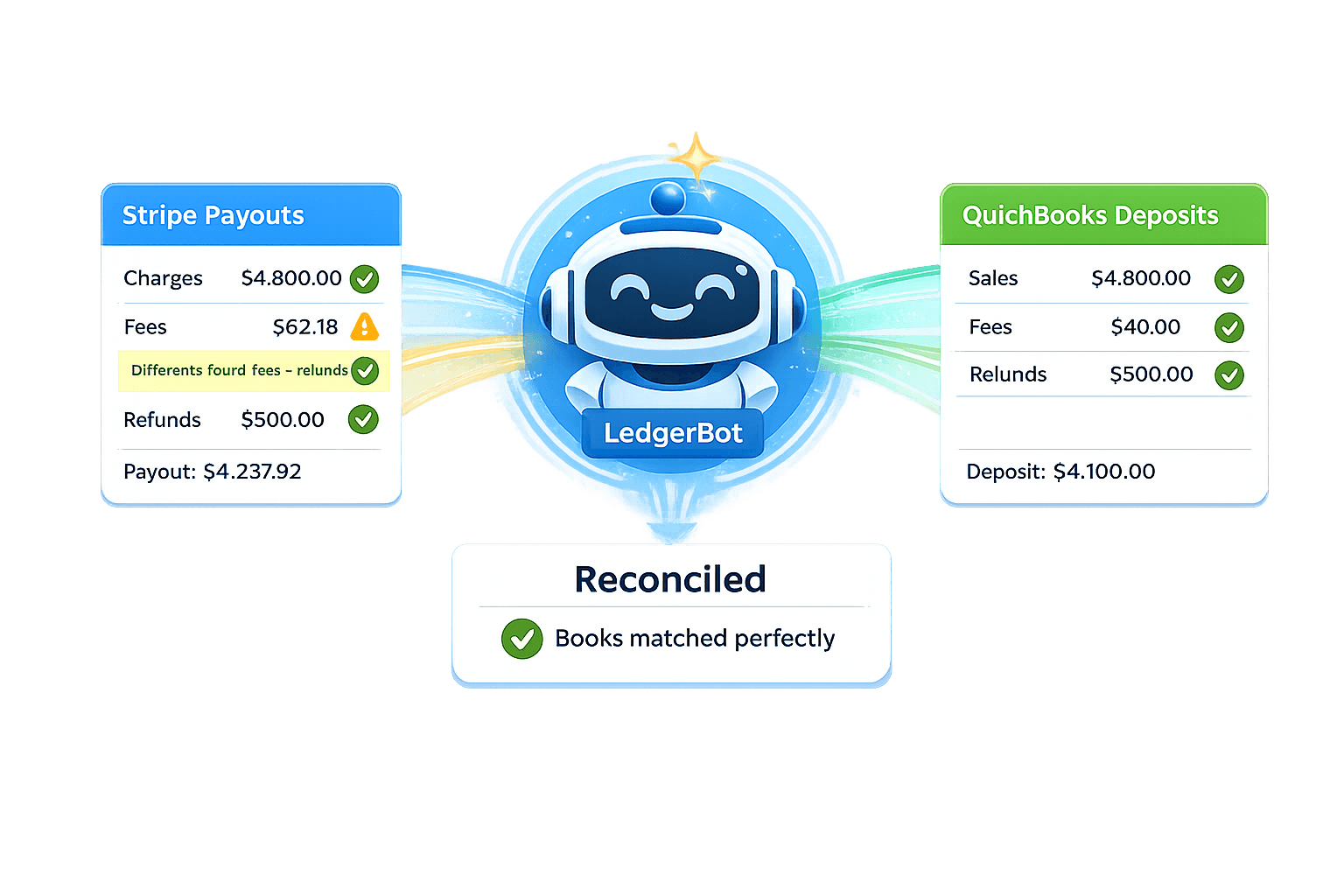
- Stripe payouts don’t match QuickBooks deposits — fees, refunds, and timing differences compound every month.
- Shopify settlements have their own fee structure and payout timing that rarely lines up cleanly with QuickBooks entries.
- Month-end close drags because you’re chasing exceptions across systems instead of reviewing clean, audit-ready work.
How it works
- 1
Connect Stripe, Shopify, and QuickBooks Online
Secure OAuth in a couple of clicks. LedgerBot reads your data — it never posts without asking first.
- 2
Ask in plain English
"Why doesn’t February’s Stripe payout match?" or "Show me what’s wrong in the clearing account." LedgerBot surfaces the mismatches and explains why they exist.
- 3
Review and approve
LedgerBot prepares the recommended entries. You review the reconciliation summary and authorize execution. Nothing posts without your approval.
What you get
- Stripe payout reconciliation — break down charges, fees, refunds, and net transfers
- Shopify settlement matching against QuickBooks deposits
- Clearing account analysis — identify what’s causing balances not to zero out
- Exception detection for mismatched, missing, or miscategorized entries
- Plain-English explanation of every discrepancy
- Approval-first execution — you review before anything posts to QuickBooks
Frequently asked questions
How is LedgerBot different from Synder or Acodei?
Sync tools push transactions between systems. LedgerBot investigates — it reads your Stripe, Shopify, and QuickBooks data, explains why numbers don't match, and prepares the entries to fix them. It's an agent that does the analysis, not a pipe that moves data.
Will LedgerBot post journal entries without my approval?
No. LedgerBot is approval-first. It prepares recommended entries and shows them to you for review. Nothing posts to QuickBooks until you explicitly approve.
Does it support Shopify in addition to Stripe?
Yes. LedgerBot can reconcile both Stripe payouts and Shopify settlements against QuickBooks Online deposits. It handles the different fee structures and payout timing for each platform.
What about other payment platforms like Square or PayPal?
Stripe and Shopify are fully supported today. Square and PayPal support is planned. Connect your accounts and LedgerBot will tell you what it can work with.
How does LedgerBot access my data?
Through secure OAuth 2.0 connections. You authorize read access to Stripe, Shopify, and QuickBooks from your browser — LedgerBot never stores your credentials.
Is LedgerBot free?
Yes. LedgerBot is a free tool. Sign in with Google, connect your accounts, and start reconciling. No credit card required.