Your form collects data. FormBot does everything after that.
Someone fills out your form. Then what?
You shouldn't need a developer, a freelancer, or a Zapier account to send a follow-up email, log a response to Sheets, or generate a document. Tell FormBot what should happen when someone submits your form — it builds and runs the entire workflow for you.
Works with
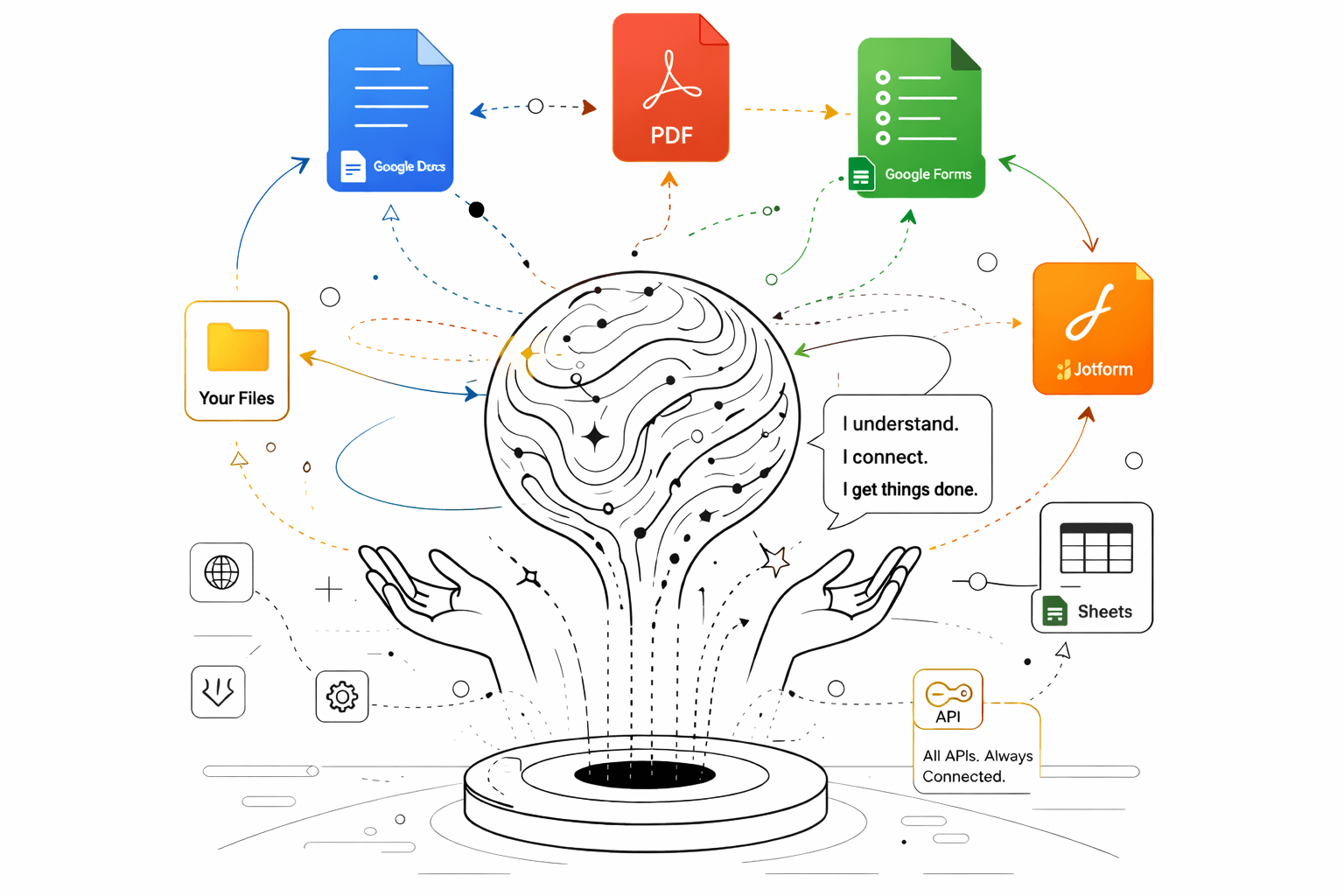
Sound familiar?
- You're manually copying form responses into a spreadsheet every morning and sending follow-up emails one by one.
- You posted on Upwork looking for a Google Apps Script developer to connect your form to Sheets and email — and got quoted $1,500 for something you can describe in one sentence.
- Your church, school, or nonprofit collects event registrations on Google Forms — but someone still has to manually organize who signed up, send confirmations, and track attendance.
- You have a PDF intake form your clients fill out by hand. You want it online, but rebuilding every field in Google Forms or JotForm takes hours.
- Your team collected hundreds of survey responses and now someone has to make a client-ready report — but Google Forms charts look like a middle school project.
- You run a small brand and every new product style means manually creating folders, filling out templates, and organizing uploaded files. You've been meaning to automate it for months.
How it works
- 1
Describe what should happen
"When someone fills out my registration form, log it to Google Sheets, send them a confirmation email, and create a folder in Drive with their uploaded files." That's all you need to say.
- 2
FormBot builds the workflow
It figures out the steps, connects your form platform to Sheets, email, Drive, and Docs — and confirms the plan with you before running anything.
- 3
It runs — you review
FormBot executes the workflow live: writes data, sends emails, generates documents, organizes files, builds dashboards. Nothing happens without your approval.
What you get
- Route form submissions to Google Sheets the moment someone submits
- Send automatic follow-up or confirmation emails to every respondent
- Generate documents from Google Docs templates filled with form data
- Create organized Drive folders with uploaded files from each submission
- Convert a PDF form into a working JotForm, Google Form, or Typeform
- Bulk generate filled PDFs or personalized documents from a spreadsheet
- Turn survey results or form responses into a live dashboard with a shareable link
- Build event registration, client intake, or volunteer sign-up workflows in minutes
- Process historical form submissions — not just new ones
Frequently asked questions
I'm not technical. Can I actually use this?
Yes — that's the whole point. You describe what you want in plain English: "When someone fills out my JotForm, add their info to my Google Sheet and email them a confirmation." FormBot builds and runs the workflow. No code, no configuration screens, no field mapping.
How is this different from Zapier or Make?
Zapier and Make require you to configure every step yourself — triggers, actions, field mappings, error handling. FormBot lets you describe the outcome and it builds everything. It also goes further than routing: it can generate documents from templates, build live dashboards, create organized Drive folders, and convert PDF forms to digital — things Zapier doesn't do at all.
What can I actually automate with FormBot?
Anything that starts with a form submission: log responses to Sheets, send follow-up emails, generate documents from templates, create Drive folders with uploaded files, build shareable dashboards from survey results, convert PDF forms to online forms, bulk generate filled PDFs from a spreadsheet. If you can describe it, FormBot can build it.
Does it work with Google Forms, JotForm, and Typeform?
Yes — all three. FormBot connects to whichever platform your form lives on and can route data to Google Sheets, Docs, Drive, Gmail, and more. It can also convert forms between platforms or turn a PDF into any of them.
Can it help with event registrations or sign-up forms?
Absolutely. Churches, schools, nonprofits, and small businesses use forms for event registration, volunteer sign-ups, program enrollment, and intake. FormBot can log every registration to Sheets, email each person a confirmation, track attendance, and generate reports — all from one conversation.
Can FormBot generate documents from form responses?
Yes. Give it a Google Docs template with placeholder fields and it will generate a filled document for each form submission — contracts, certificates, tech packs, onboarding packets, client reports. It can also bulk generate documents from a spreadsheet of data.
Can it build a dashboard or report I can share with my team or clients?
Yes. FormBot can take your form responses and generate a live dashboard, visual report, or presentation with a shareable link. Send it to your team, your board, or your clients — it updates as new responses come in. No Looker Studio, no spreadsheet formatting.
Is FormBot actually free?
Yes. Sign in with Google, connect your form platform, and describe what you need. No credit card, no trial period, no per-submission fees.
I was about to hire a freelancer for this. Should I try FormBot first?
Probably. Most form automation jobs on Upwork — connecting forms to Sheets, setting up email notifications, generating documents from templates, organizing Drive folders — are things FormBot can do in a single conversation. Try it first. If your workflow is more complex than what FormBot handles, you'll at least have a working prototype to hand off.